
Page Speed Insight Optimization
Choose the right performance optimization level for your project. We specialize in diagnosing and resolving complex Core Web Vitals bottlenecks to ensure your site meets Google’s highest standards for speed and user experience.
Optimization Engine
Our Page Speed Insight Optimization Services
-
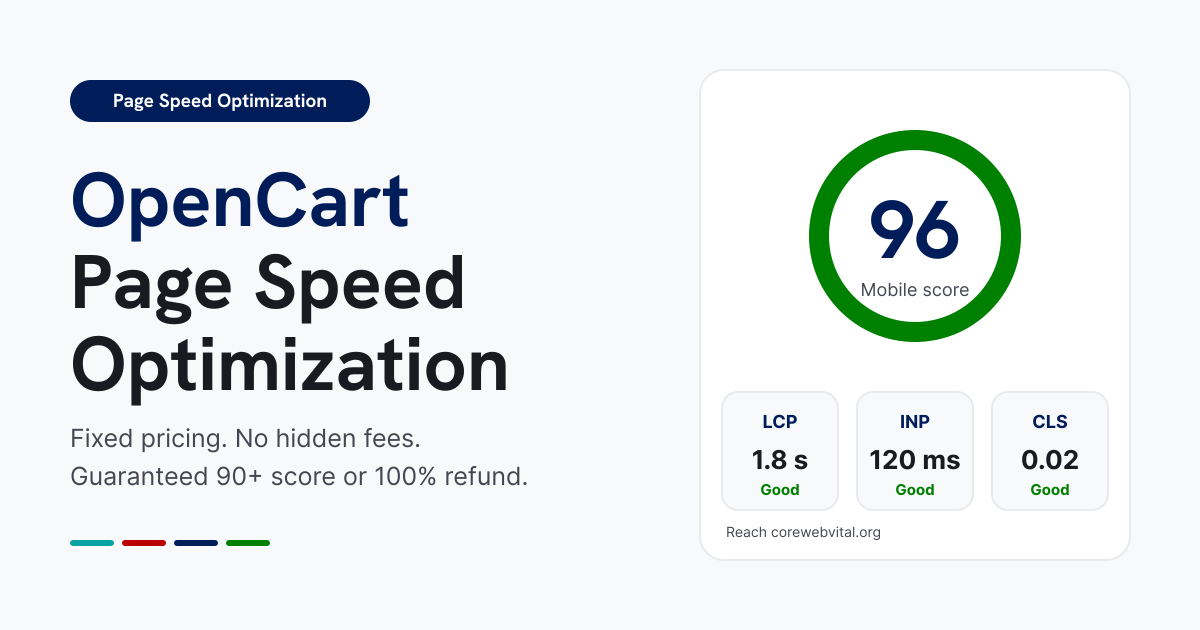
OpenCart Page Speed Optimization
-
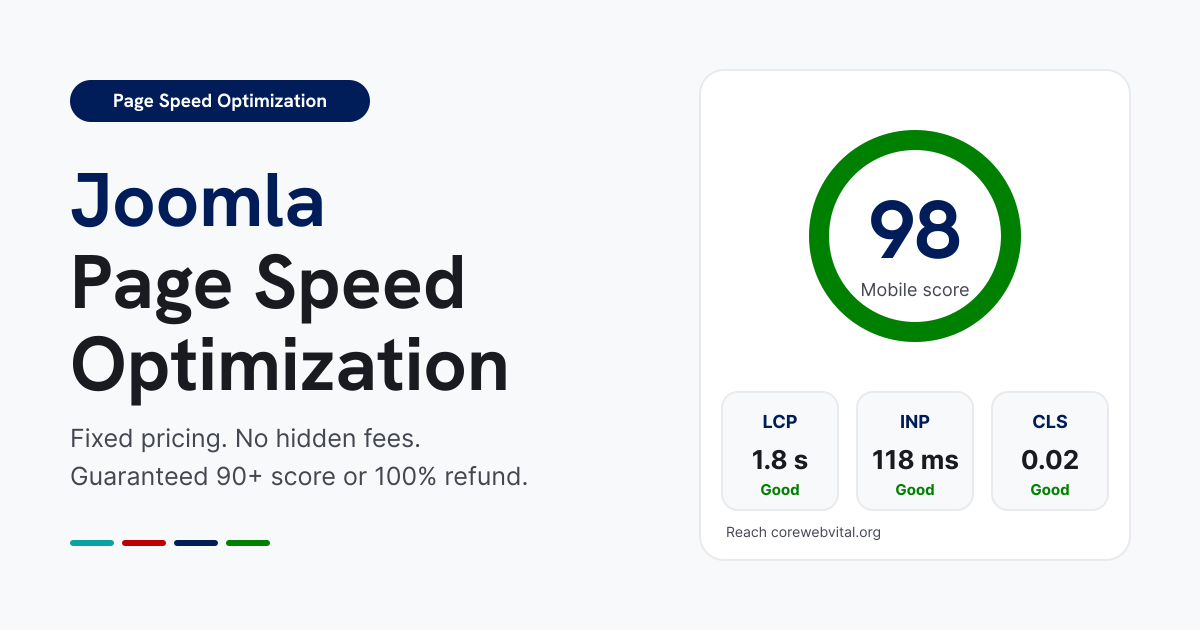
Joomla Page Speed Optimization
-
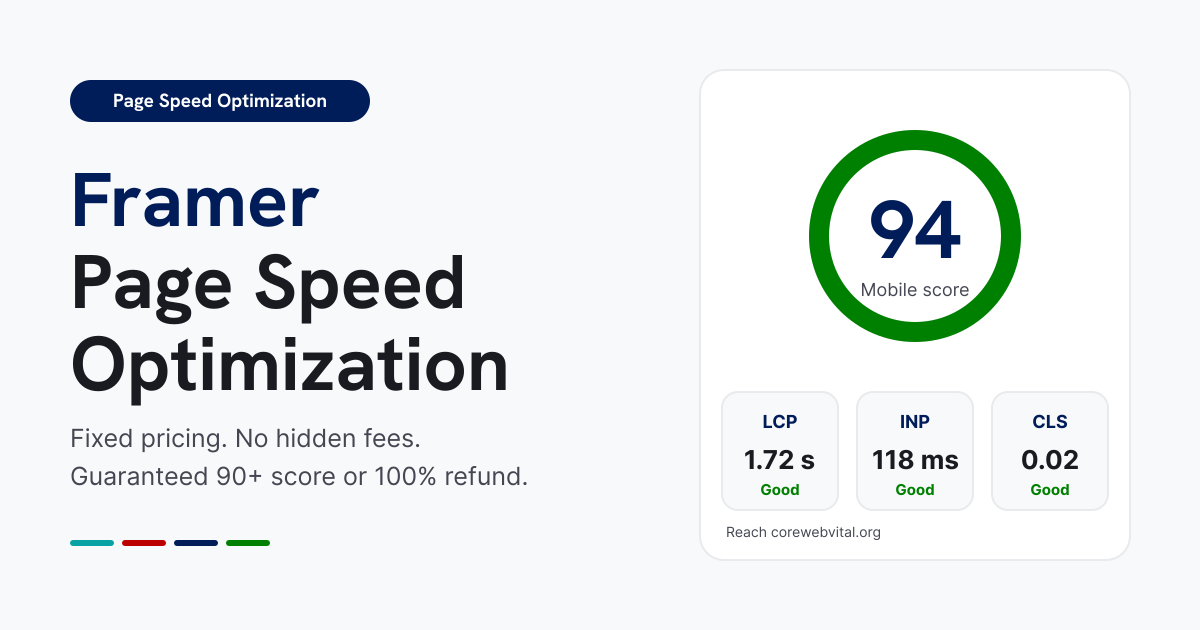
Framer Page Speed Optimization
-
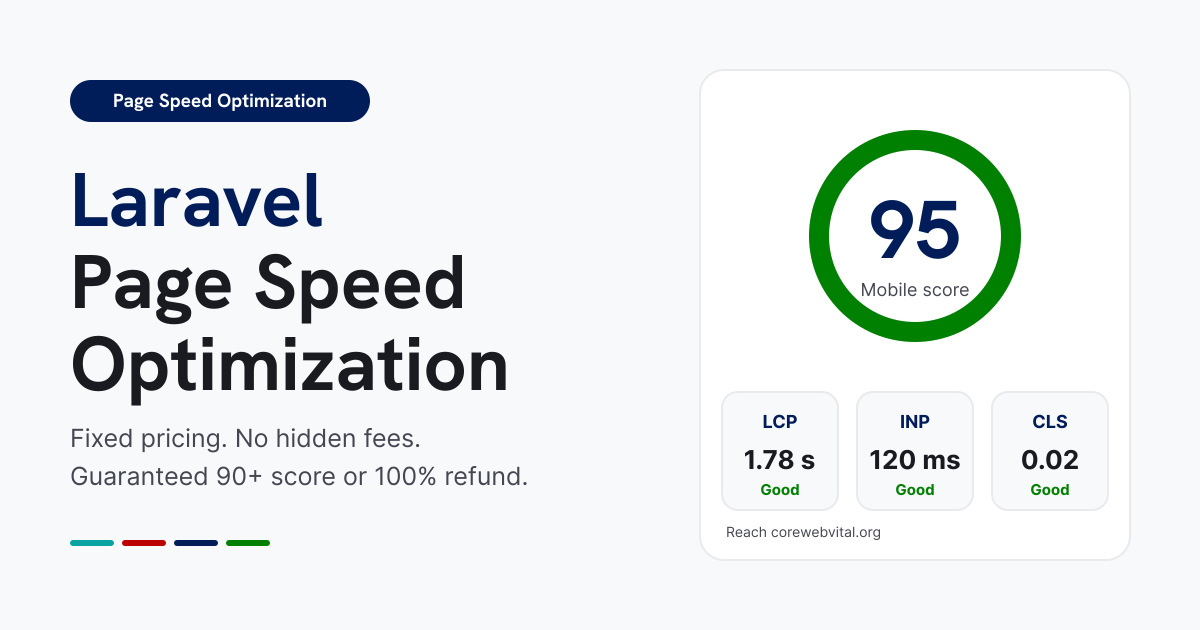
Laravel Page Speed Optimization
-
PHP Page Speed Optimization
-
BigCommerce Page Speed Optimization
-
Magento Page Speed Optimization
-
PrestaShop Page Speed Optimization
-
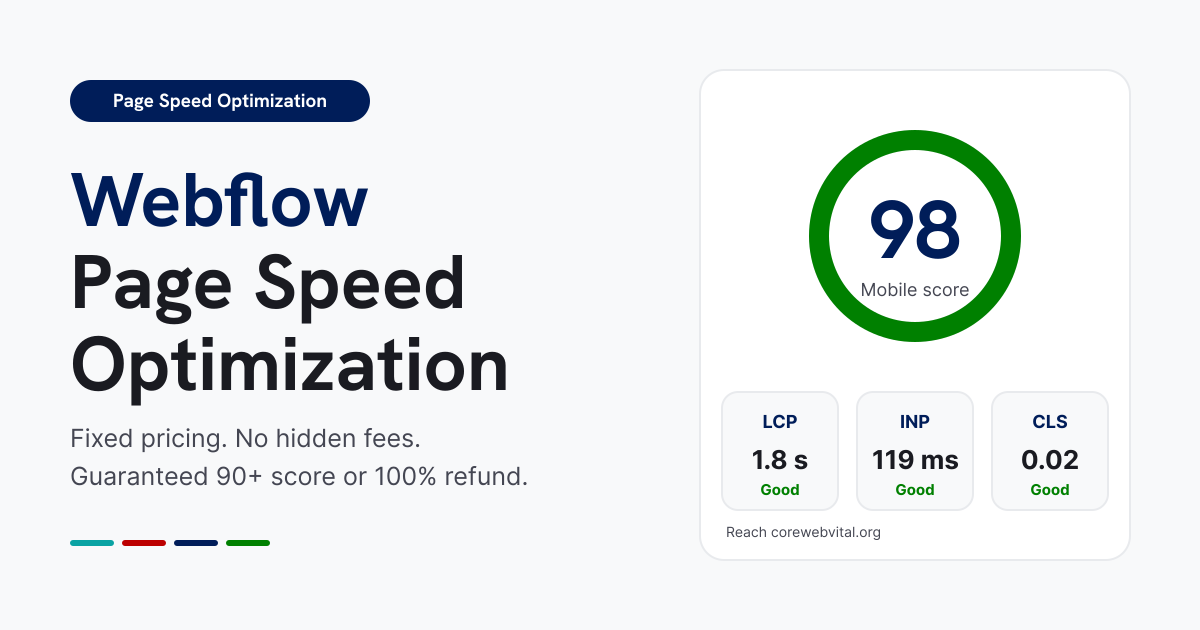
Webflow Page Speed Optimization
-
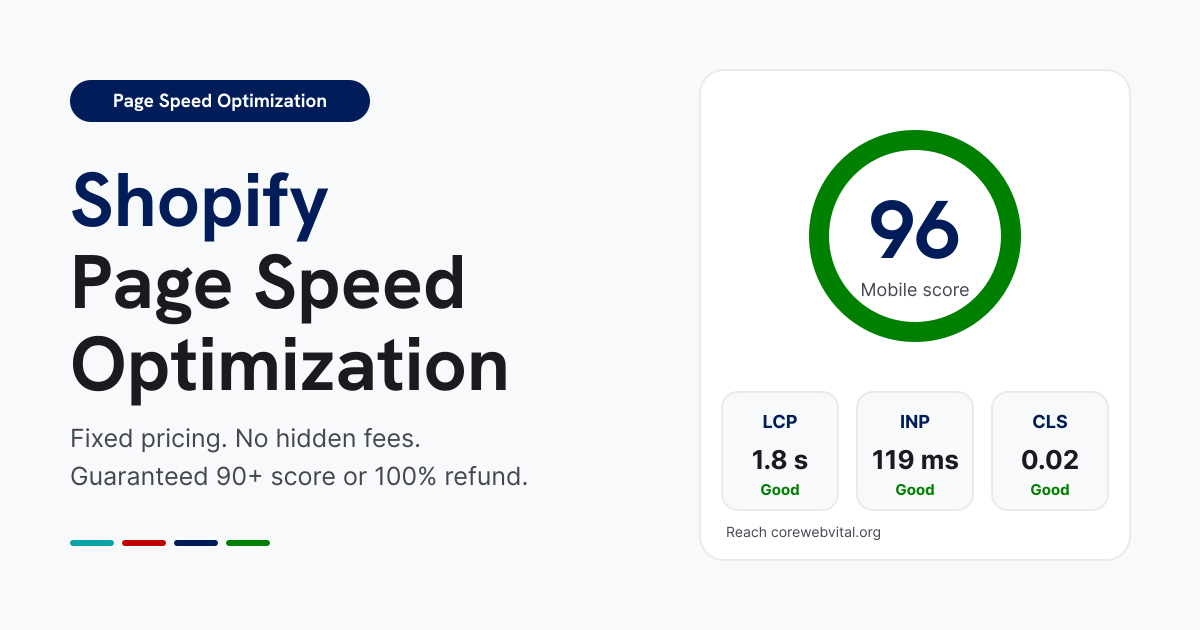
Shopify Page Speed Optimization
-
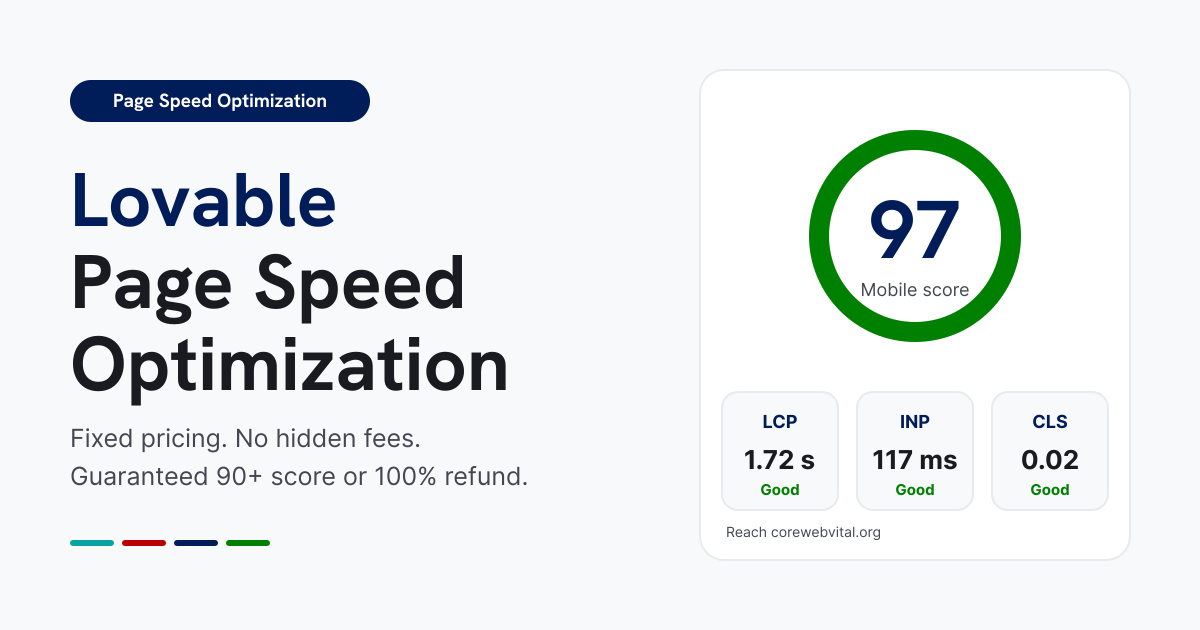
Lovable Page Speed Optimization
-
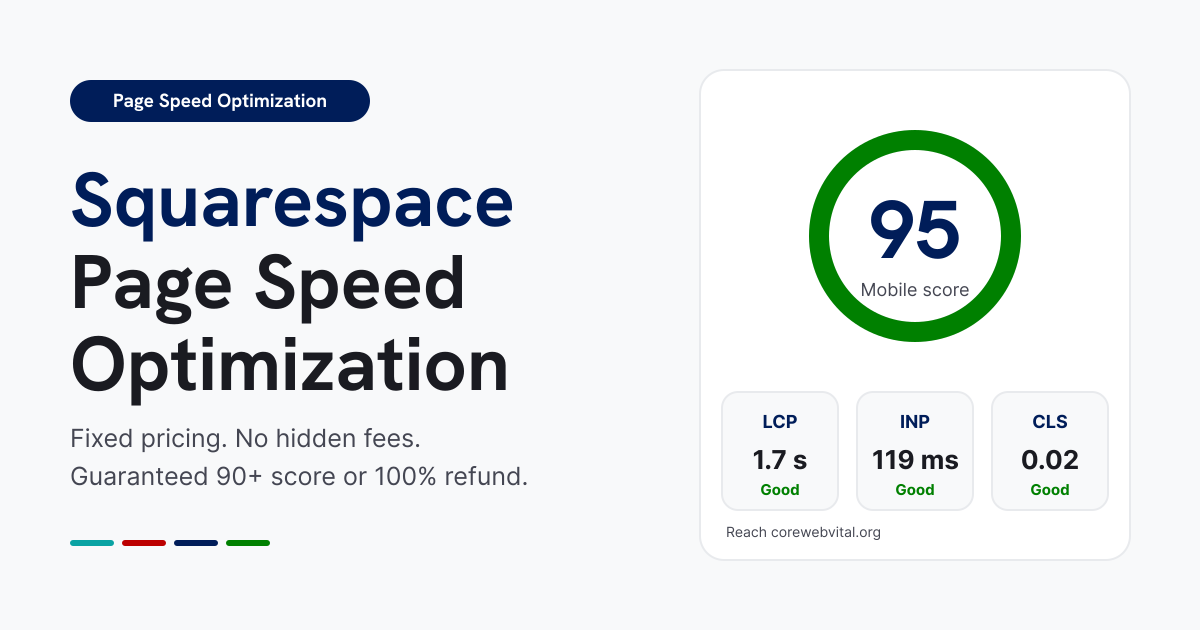
Squarespace Page Speed Optimization
-
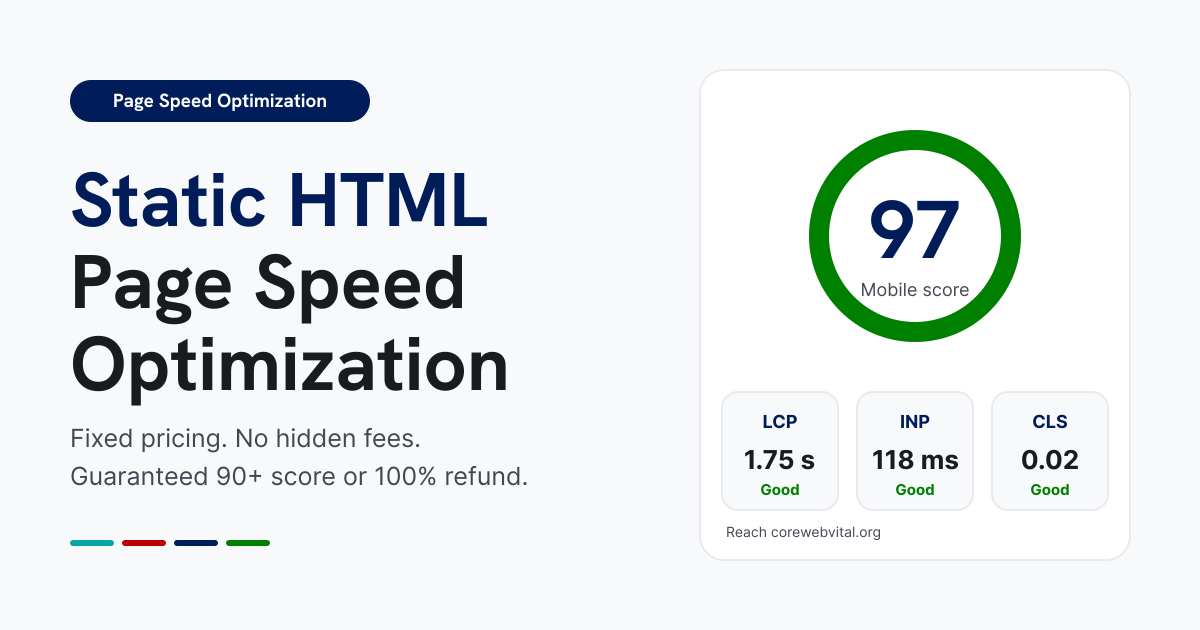
Static HTML Page Speed Optimization
-
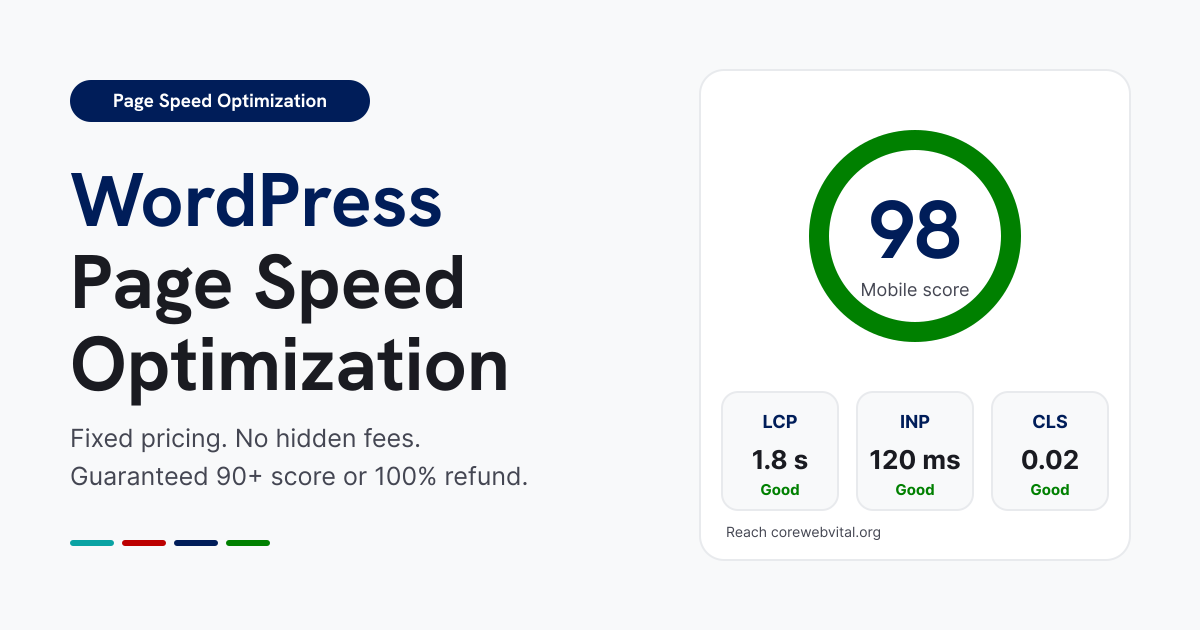
WordPress Page Speed Optimization
Frequently Asked Questions
Everything you need to know about Core Web Vitals and performance optimization.
What is PageSpeed Insights optimization, and why does it matter for my site?
Google PageSpeed Insights (PSI) measures your website’s performance using Lighthouse diagnostics to score key loading speed, interactivity, and visual stability metrics on mobile and desktop. Optimizing your PSI score directly improves your Google search rankings, lowers bounce rates, increases ad conversion rates, and ensures a fast user experience for every visitor.
Why are cart, checkout, and payment-related pages excluded from optimization?
Cart drawers, checkout flows, and payment gateway endpoints rely on real-time session state, dynamic inventory lookups, and strict security validation. Applying aggressive caching, DOM manipulation, or asset deferral on these endpoints risks breaking transactions or causing security validation failures. Excluding them guarantees 100% operational safety and checkout reliability while optimizing 95%+ of your traffic-driving pages.
What is the difference between Desktop and Mobile PageSpeed Insights scores?
Mobile scores are calculated using simulated mid-tier mobile hardware and throttled 4G network speeds, making them much harder to pass than desktop scores. We specialize in mobile-first optimization, tackling heavy JavaScript execution, image delivery, and critical CSS rendering to ensure your mobile score hits 90+ alongside your desktop score.
How do you fix “Reduce initial server response time” (TTFB) in PageSpeed Insights?
Time to First Byte (TTFB) delays occur due to slow database queries, un-cached server requests, or inefficient hosting setups. We optimize database indexing, configure server-side caching layers (such as Redis or LiteSpeed), and deploy Cloudflare edge caching to serve cached page responses in under 200ms.
Will my website layout, fonts, or interactive elements break during optimization?
No. All optimization work is performed on a secure staging environment or unpublished draft theme using non-destructive methodologies. We conduct multi-device testing to confirm that your visual design, custom fonts, animations, forms, and plugin features function perfectly before publishing any changes live.
Is this PageSpeed Insights optimization service applied site-wide or per page?
Our optimization protocols apply site-wide across your entire domain. All core templates including your homepage, blog archives, collection listings, landing pages, and individual content/product pages are optimized simultaneously to ensure uniform 90+ performance scores across your entire platform.
What is your PageSpeed score guarantee and refund policy?
We provide a strict 90+ PageSpeed Insights Score Guarantee on both mobile and desktop viewports, backed by a 100% money-back refund policy. If our team cannot achieve a 90+ score on your core non-checkout page templates, and we cannot resolve the bottleneck, you receive the refund.
How do you resolve “Eliminate render-blocking resources” audit warnings?
Render-blocking CSS and JavaScript prevent your page from painting content quickly. We resolve this by extracting and inlining critical above-the-fold CSS, asynchronously deferring non-essential scripts, and ordering asset execution so the browser can render visual elements without waiting for secondary files to download.
Will third-party scripts (Google Tag Manager, Meta Pixel, live chats) ruin my 90+ score?
Un-optimized third-party scripts are the #1 cause of slow PageSpeed scores. Instead of deleting them, we implement intelligent script loading rules that delay non-critical analytics, review widgets, and live chat scripts until after initial page paint or until the user initiates interaction (scrolling or clicking). This maintains full tracking accuracy while keeping your score at 90+.
How quickly can you optimize my website, and what access is required to start?
Most optimizations are completed within 2 to 4 working days (some are done in 24 hours). To begin, we need temporary Administrator credentials for your CMS (WordPress, Shopify, Magento, Webflow, etc.), along with hosting or Cloudflare/CDN panel access if server-level or edge caching configurations are required.
Ready to optimize?
Stop losing users to slow load times. Let our experts analyze your platform and provide a roadmap to instantaneous performance.
Test your current website result
Your Website results are officially live! Please feel free to run a quick test on Google PageSpeed Insights tool below to check out your updated scores for all recommended parameters.